
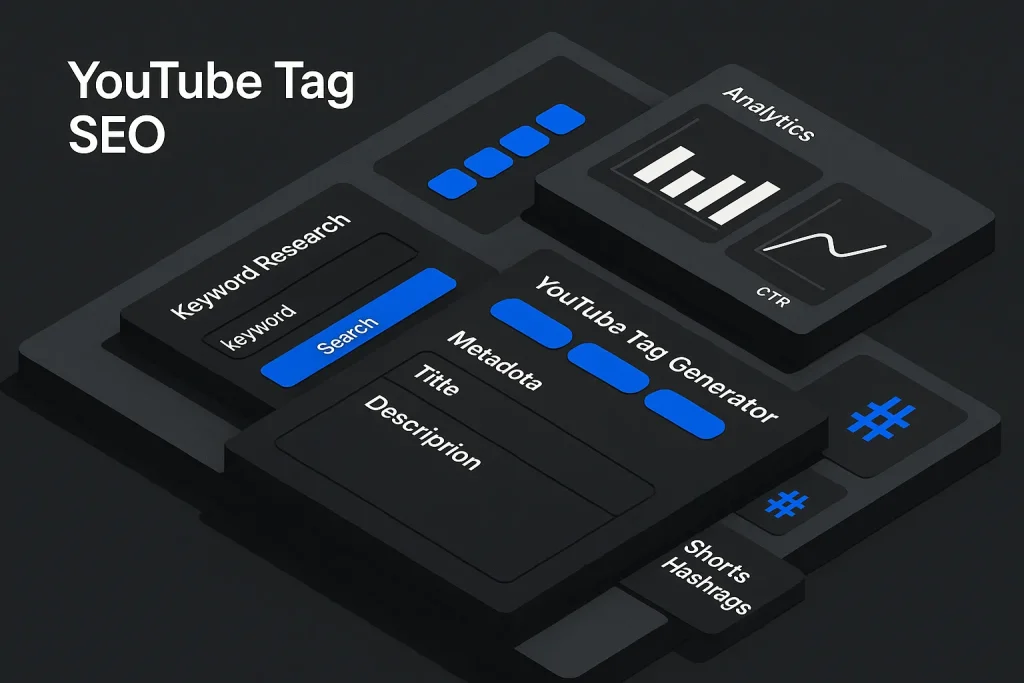
Using a youtube tag generator well starts with a simple truth: tags are not the main ranking lever on YouTube. Treat them that way, and you usually get wasted effort, bloated metadata, and the wrong optimization priorities. Their real advantage is coverage. A good tool helps creators collect close keyword variants, common misspellings, product terms, topic modifiers, and format-specific phrases that support discoverability while the heavy lifting still happens in the title, thumbnail, description, and the video’s actual fit with search intent.
We think this distinction is where most creators go wrong. Too many still optimize as if tags alone can unlock reach. Official guidance says otherwise. A YouTube Help page on tags explains that tags are descriptive keywords, but also makes it clear that title, thumbnail, and description matter more for discovery. The same documentation notes that tags can still help when a topic, product, brand, or name is often misspelled. So yes, a youtube tag creator is useful. But it is a support tool for metadata coverage, not a shortcut around weak positioning.

What YouTube Tags Do for Video SEO Today
Video SEO today is mostly about proportion. Tags are one metadata field among several, and their value depends on whether they improve clarity, disambiguation, and coverage. A youtube video tag generator can speed that up, but it will not rescue weak packaging. If the title is vague, the thumbnail does not earn clicks, the description lacks context, and the video does not satisfy the query, expanding the tag list will not fix the ranking problem.
According to YouTube Help on Search results, ranking depends on multiple signals, including how well the title, description, and video content match a viewer’s query, plus how strongly the video has satisfied that query in the past. That puts tags in the right box. They help YouTube interpret. They do not carry the main decision weight.
Tags still do a few jobs well:
- capturing close variants of the core topic;
- covering common spelling errors around names, products, and branded terms;
- reinforcing niche context when a title must stay concise;
- separating adjacent intents such as tutorial, review, comparison, setup, or troubleshooting;
- supporting workflow consistency across a channel library.
The common mistake is confusing support with priority. If your video targets “Shopify product page SEO,” the ranking result will be shaped far more by a precise title, a credible thumbnail, an aligned introduction, and stronger viewer satisfaction than by adding 30 extra tags from an online youtube tags generator. On our view, tags matter most when the rest of the metadata stack is already disciplined.
That is why tag optimization should be judged alongside search intent and post-click performance. Metadata quality improves discovery only when the whole package is coherent. A tag field stuffed with semi-relevant phrases usually signals a weak keyword model, not a strong one. We see this often in channels chasing youtube tags for views without fixing the actual promise of the video.
At platform scale, metadata efficiency matters because competition for attention is structurally intense. Pew Research reports that 85% of U.S. adults use YouTube, while the YouTube press page says more than 20 million videos are uploaded daily and Shorts average more than 200 billion daily views. The practical takeaway is straightforward: a youtube keyword generator saves time, but only if it feeds a disciplined metadata system instead of an indiscriminate tag dump.
Types of Tags: Video Tags, Channel Keywords, Hashtags, and Shorts
A lot of optimization mistakes come from mixing metadata layers that do different jobs. Video tags, channel keywords, hashtags, and Shorts metadata are not interchangeable, and a tube tag generator covers only one part of that stack.
Video tags
Video tags belong to an individual upload. They describe the video’s topic, language context, close keyword variants, and sometimes common misspellings. This is where a youtube tag generator free tool is usually used. A solid tag set normally starts with a primary phrase, then expands into secondary variants, topical modifiers, and branded or product-level terms when relevant.
Channel keywords
Channel keywords describe the broader subject area of the channel. They are not a substitute for video-level optimization. A SaaS tutorial channel might use channel-level themes such as SEO automation, content marketing, WordPress publishing, AI content workflows, and analytics, while each video still needs its own query alignment.
Hashtags
Hashtags are separate from video tags. That is not a minor technicality. A YouTube Help article on hashtags explains that hashtags can be added to titles and descriptions to help viewers find related content via search. YouTube may show up to three hashtags above the video title from the description, while compliant hashtags remain visible in the description. The same guidance states that if more than 60 hashtags are added, YouTube ignores all hashtags on that content.
So a hashtag generator can be useful for discovery formatting, but it is not interchangeable with a youtube tag and title generator. Different field, different behavior, different failure mode. On our experience, creators who merge these fields usually end up over-optimizing both.
Shorts metadata
Shorts should not inherit long-form tag logic without adjustment. Shorts live in a faster, more feed-driven environment, and concise hooks, immediate context, and selective hashtags usually matter more than broad tag volume. YouTube notes that creators can add hashtags during Shorts upload and the system may suggest relevant options as they type. That is one more reason to separate a youtube shorts tags generator workflow from a long-form tutorial workflow.

The table below separates these metadata types by function.
| Metadata type | Primary role | Best use case | Common mistake |
|---|---|---|---|
| Video tags | Topic coverage and misspelling support | Expanding close keyword variants for one upload | Using too many loosely related phrases |
| Channel keywords | Broad channel topic classification | Supporting niche consistency across the channel | Expecting them to rank individual videos |
| Hashtags | Searchable topical labeling in title/description | Adding a few relevant discovery cues | Stuffing dozens of hashtags |
| Shorts metadata | Fast context for short-form discovery | Format-specific titles and concise hashtags | Copying long-form tag sets directly |
Once these elements are separated correctly, metadata decisions become cleaner and easier to measure. We would argue this is one of the simplest upgrades most channels can make.
How a YouTube Tag Generator Works
A best youtube tag generator usually starts from one of three inputs: a seed keyword, a video title, or an existing video URL. Some tools also support a youtube tag generator from url workflow, where they infer the topic from a published video page. The output often includes exact-match variants, word-order changes, related modifiers, category terms, and sometimes competitor-inspired phrases.
At a mechanical level, most tools do four things:
- parse the primary topic phrase;
- expand adjacent terms and modifiers;
- surface topical overlaps or search variants;
- format those variants into exportable tags.
The real value depends on filtering. A raw export from a youtube keyword planner or ai youtube tag generator is not automatically good metadata. Tool outputs often include generic terms, mixed intent, duplicate semantics, and phrases that are technically related but strategically weak. A video about “B2B SaaS onboarding checklist” does not gain much from broad tags like “marketing,” “software,” or “business tips” if those terms dilute intent.
A better way to use a youtube keyword generator is to treat its output as a candidate list. Then validate it against the actual query class of the video: tutorial, comparison, product walkthrough, troubleshooting, educational explainer, Shorts hook, or branded search asset. On our practice, this is where a decent tool becomes useful and where lazy automation falls apart.
This is similar to how SEO teams handle keyword clustering for blog content. A machine can expand the semantic field quickly. The strategist decides which phrases belong in the final metadata based on relevance, competition, and search behavior. That is why raw automation is only stage one.
This hierarchy matches YouTube’s own documentation: tags matter, but they are not the lead optimization lever.

Step-by-Step: Generate and Validate Tags for a Video
A practical workflow starts with the asset itself, not the tool. Before opening any rapidtags youtube or rapidtags youtube tag generator alternative, define the exact query the video should deserve to rank for. If that target is fuzzy, the generated tags will be broad and unfocused.
Step 1: Lock the primary query
Choose one principal phrase that matches the video’s actual promise. Examples:
“how to audit internal links in wordpress,” “shopify collection seo tutorial,” “youtube shorts hook examples,” or “crm migration checklist.” The primary query should be specific enough to align title, description, and on-video content.
Step 2: Extract first-order variants
Run the main phrase through a tag creator for youtube or tag creator youtube tool. Collect close variants only at first. These include singular/plural forms, syntax variants, modifier shifts, and adjacent phrases like tutorial, guide, setup, tips, or examples.
Step 3: Add branded and misspelling support
If the video includes a product, company, plugin, or person name that users often misspell, add those variations selectively. This is one of the clearest documented use cases for tags.
Step 4: Remove broad noise
Delete generic outputs that do not express user intent. Terms like “video,” “tips,” “online,” “how to,” or “best” may help only when attached to a meaningful head term. On their own, they usually waste space and blur the metadata signal.
Step 5: Compare against title and description
Check whether the strongest generated tags are already reflected in the title and opening lines of the description. If not, the issue is often not the tag set but the metadata hierarchy. Move the best terms upward into the fields that carry more search weight.
Step 6: Validate against the video itself
If the phrase is not clearly present in the spoken content, visuals, and narrative structure, remove it. Metadata should compress the real content, not compensate for missing relevance. We consider this the line between optimization and wishful thinking.
Step 7: Publish and annotate changes
Document what changed: tags only, title only, description only, thumbnail only, or multiple fields together. That note matters later when you assess results in analytics.
For channels producing several related videos, this gets easier when there is a repeatable taxonomy. It follows the same logic behind systems like writing human AI content that actually converts visitors: scale works only when generation is paired with editorial control.
Clustering and Prioritizing Tags by Intent and Volume
The best results from a youtube tag generator come from clustering, not accumulation. Clustering means grouping keywords by shared intent and keeping only the ones that reinforce the exact role of the video.
In practice, tag clusters for one video usually fall into four buckets:
- Primary intent tags: the exact topic and its closest search variants.
- Format tags: tutorial, review, walkthrough, demo, setup, checklist, comparison.
- Entity tags: tool names, brand names, plugin names, product names, creator names.
- Misspelling tags: only where documented user behavior makes them useful.
Not every bucket is necessary for every upload. A product demo may need stronger entity tags. A broad educational explainer may rely more on intent and format tags. A Shorts clip may lean more on concise topic labeling and hashtags than on deep tag expansion.
Volume also needs context. A youtube keyword planner may surface broader phrases with more search activity, but those phrases are not automatically better. If the video does not fully answer the broad term, optimizing for it creates mismatch. In our experience, a lower-volume exact-intent term is usually more valuable for sustainable search visibility than a bigger but ambiguous phrase.
The table below shows a practical tag-prioritization model.
| Tag category | What to include | Priority | Reason |
|---|---|---|---|
| Primary query | Exact target phrase and very close variants | Highest | Directly supports topic clarity |
| Format modifiers | Tutorial, guide, demo, examples, review | High | Clarifies search intent |
| Entity terms | Brand, product, plugin, creator names | Conditional | Useful when central to the video |
| Misspellings | Frequent alternate spellings only | Selective | Matches one of tags’ documented benefits |
| Broad category terms | General niche words | Low | Often add noise instead of precision |
Priority is not about filling all available space. It is about preserving semantic precision. We think that is the difference between a working metadata model and a messy one.
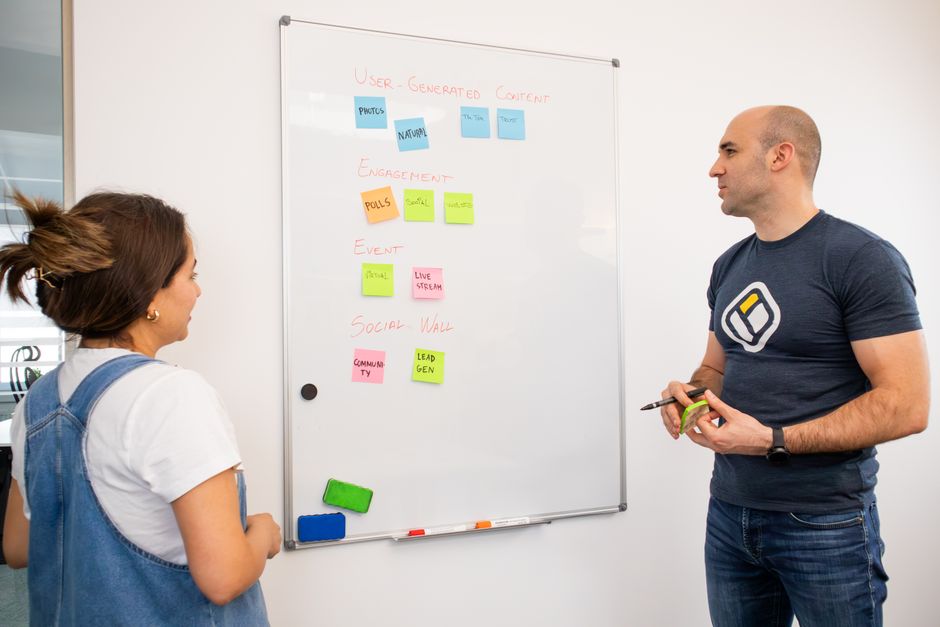
Map Tags into Titles, Descriptions, and Hashtags
A strong youtube tag generator workflow does not end in the tag box. It improves the whole metadata stack by showing which phrases deserve promotion into higher-value fields.
Title mapping
The title should contain the clearest high-intent phrase, ideally near the beginning when that sounds natural. If your generated list surfaces “youtube shorts hook examples” as the most aligned query, that phrase probably belongs in the title before it belongs in the tag field.
Description mapping
The opening lines of the description should reinforce the main topic in readable language. This is where secondary variants from a youtube keyword generator can be integrated naturally. The description can absorb adjacent subtopics, entity references, and supporting phrasing that would make the title too long.
Hashtag mapping
Hashtags should be selective and topic-led. Since YouTube may display up to three above the title, the visible set should be clean and intentional. A compact combination such as #YouTubeSEO, #VideoMetadata, and #ShortsTips is more defensible than a long trail of low-quality hashtags. More importantly, hashtags should not duplicate every tag. They serve a related but separate function.
This is also where policy mistakes happen. YouTube warns that putting excessive tags in a video description violates spam and deceptive-practices rules. So the description is not a second tag field. It is a content summary and context layer. We have seen channels hurt readability badly by ignoring that line.
The exact percentages will differ by asset, but the principle is stable: the best terms move first into the fields with the strongest practical effect.
Channels that also publish supporting articles can extend this mapping logic beyond YouTube. For example, a video topic can be repurposed into an article, then refined with stronger wording and intent alignment using methods similar to rewriting AI content to improve user engagement and rankings. The gain across formats comes from a consistent keyword hierarchy, not simple duplication.
Shorts-Specific Tag and Hashtag Guidelines
Shorts need tighter metadata discipline because the content unit is smaller and the competition pattern is faster. The platform context is different too. According to the YouTube press page, Shorts now average more than 200 billion daily views, which makes short-form optimization a separate operational lane rather than a smaller version of long-form SEO.
For Shorts, use a youtube shorts tags generator only after deciding the clip’s exact function. Is it a hook for a longer tutorial, a standalone answer, a myth-busting snippet, a proof-of-result clip, or a trend-adapted educational short? Each function changes the metadata balance.
What usually works better for Shorts
Short, explicit titles. Narrow topical framing. A small set of relevant hashtags. Tags that support core interpretation but do not try to cover every adjacent term. Since YouTube may suggest hashtags during Shorts upload, the workflow should stay lightweight and relevant.
What usually works worse for Shorts
Long copied descriptions from long-form videos. Large tag sets exported without review. Generic hashtags appended in bulk. Over-optimization around “youtube tags for views” logic, where metadata quantity is mistaken for relevance.
There is also a competitive reason to keep Shorts workflows separate. With short-form content volume so high, creators need faster metadata decisions. That makes a concise shortlist from an ai youtube tag generator useful, but only if the title and opening visual hook are already strong. On our view, Shorts reward clarity faster and punish vague packaging faster too.

Common Mistakes and Limits of Tags
The biggest error is strategic inflation. Creators often assume that more tags mean more discoverability. Official guidance does not support that assumption. Tags have limited impact, and overuse can actively distort optimization priorities.
Mistake 1: Treating tags as the main ranking factor
This leads to underinvestment in titles, thumbnails, descriptions, watch satisfaction, and audience fit. Yet those elements are much closer to how YouTube Search evaluates relevance and usefulness.
Mistake 2: Stuffing the description with tag-like text
YouTube explicitly warns against adding excessive tags to the description. The description should stay readable and informative, not turn into a hidden metadata dump.
Mistake 3: Mixing unrelated intents
A tutorial video should not target review, pricing, troubleshooting, beginner, expert, and news-intent phrases all at once unless the content genuinely covers them. Mixed intent weakens clarity.
Mistake 4: Copying competitor tags without content parity
A youtube tag generator from url or competitor lookup can reveal patterns, but copying them blindly ignores the actual substance of your video. Metadata should describe what the viewer will get, not what another channel ranked for.
Mistake 5: Ignoring update latency
YouTube notes that if a video or channel was recently created or updated, changes in search visibility may take a few days to appear. Immediate conclusions after a metadata edit are often unreliable.
The commercial scale of the platform can tempt teams into over-optimization. But even though Alphabet’s Q2 2025 earnings release reported YouTube advertising revenue of 9.796 billion U.S. dollars, the official product guidance still describes tags as a minor discovery aid. That contrast matters. The platform is commercially huge, but the role of tags remains limited. We think that is a healthy reminder for any team chasing the best youtube tag generator instead of fixing weak creative and weak intent alignment.
Measure Impact with YouTube Analytics (Search terms, Impressions, CTR)
Tag changes should never be judged in isolation. Metadata edits often happen alongside title revisions, description refinements, thumbnail updates, or shifts in traffic sources. Good analysis starts by separating what changed and then reading the impact in context.
A YouTube Help article on impressions and CTR defines impressions as the number of times thumbnails were shown to viewers and CTR as how often viewers watched after seeing that thumbnail. The same guidance also explains that CTR often falls as impressions expand to a broader audience. This matters because creators sometimes blame tags for CTR changes when the real cause is wider distribution or altered packaging.
Metrics that matter after tag updates
Search terms: Are new relevant queries appearing?
Impressions: Is the video surfacing more often for the intended query class?
CTR: Did packaging hold up as exposure changed?
Views from YouTube Search: Did search contribution improve, remain flat, or decline?
Average view duration or retention patterns: Did the new metadata attract the right audience or a mismatched one?
The healthiest interpretation model is comparative rather than absolute. If impressions rise and CTR drops slightly, that may still be positive if the video reached a broader but still relevant audience. If search terms diversify but retention collapses, the metadata may be too broad. If nothing changes after a few days, the updated tags may have been too marginal to affect search interpretation.
This pattern is normal in many discovery scenarios and should not be misread as proof that tag optimization failed.
For channel strategy, it also helps to compare packaging patterns across videos. If certain uploads attract search impressions but fail to earn clicks, the problem is likely title-thumbnail alignment. If they earn clicks but not sustained viewing, the problem is expectation mismatch. Tags are rarely the whole story. We would go further: in most cases, they are not even the main chapter.

Parallel to Blog SEO: Autopilot SEO’s Automated Keyword Mapping Analogy
The most useful way to understand a youtube tag generator is to compare it with automated keyword mapping in blog SEO. In both cases, the system expands the semantic field around a main topic. It surfaces variants, clusters close terms, and reduces manual metadata work. But the value does not come from raw volume. It comes from structured prioritization.
When blog teams publish at scale, they do not optimize by dumping every possible keyword into a page. They map primary intent to the title, support terms to headings and body sections, entity phrases where relevant, and adjacent variants into internal context. Video should follow the same principle. The strongest term belongs in the title. Supporting variants belong in the description. Supplemental coverage belongs in tags. Discovery labeling belongs in hashtags where appropriate.
This is why the analogy to SEO Autopilot works. A system like SEO Autopilot helps teams automate keyword mapping, content structure, text generation, image creation, internal linking, and WordPress publishing without losing the logic of relevance. The same discipline should apply to YouTube metadata. Automation should remove repetitive work, not weaken semantic precision.
If your content operation spans both articles and videos, the upside is larger. One topic cluster can feed multiple assets, each with its own metadata hierarchy. A blog post may target broader educational intent, while the video handles a narrower demonstration query. The workflow gets more efficient when the keyword model is shared but the asset-level execution stays distinct.
That editorial logic is close to the workflow discussed in finding the perfect channel name with a YouTube name generator: generation tools help at the ideation and expansion stage, but strategy decides which outputs become final assets.
Recommended Workflow and Tools for Ongoing Optimization
An effective workflow is simple enough to repeat and strict enough to prevent metadata sprawl. The goal is not to find more tags. The goal is to make more precise metadata decisions with less manual friction.
Baseline workflow
Start with a target query. Generate a candidate set using a youtube tag creator, tube tag generator, or youtube keyword planner. Cluster by intent. Promote the strongest phrase into the title. Use the next layer of variants in the opening description. Add a small number of relevant hashtags. Keep tags as supporting metadata. Publish. Then review YouTube Search terms, impressions, CTR, and retention after enough time has passed for search updates to settle.
Operational workflow for teams
For agencies, media teams, SaaS brands, and education channels, create a metadata template with fixed fields: primary query, title candidate, description lead, tag cluster, hashtag shortlist, entity terms, misspelling terms, and analytics checkpoint date. This turns the online youtube tags generator from a one-off utility into part of a repeatable system.
The table below summarizes a durable workflow.
| Stage | Action | Output |
|---|---|---|
| Topic definition | Choose one primary search intent | Core query |
| Tag generation | Use a youtube tag generator for variants | Candidate list |
| Clustering | Group by intent, format, entity, misspelling | Prioritized tags |
| Metadata mapping | Move best terms into title and description | Final metadata set |
| Measurement | Review Search, Impressions, CTR, retention | Optimization decision |
The workflow is effective because it stops tag generation from becoming an isolated task. In practice, that is what separates a useful youtube tag and title generator process from random metadata busywork.
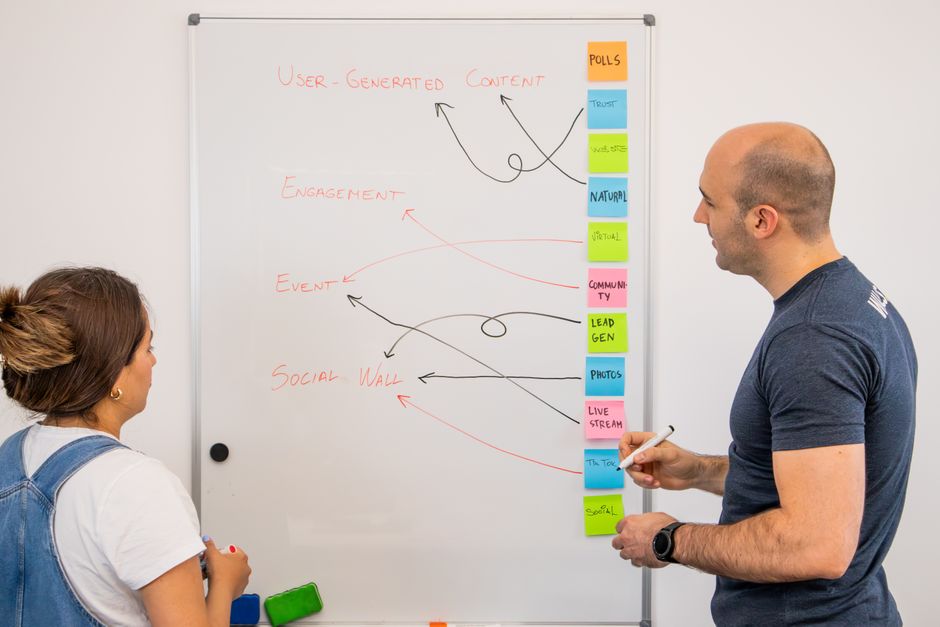
Commercial workflow note: where SEO Autopilot fits
Teams that handle both video topics and blog publishing usually hit the same bottleneck: semantic expansion is easy, but turning it into structured assets takes time. That is where process matters more than isolated tools. For article operations, SEO Autopilot is designed to automate semantic research, article structure, text generation, image creation, internal linking, and WordPress publishing in one workflow. The practical parallel to a youtube tag generator is clear: automation is most valuable when it maps keywords into the right fields instead of simply producing longer lists.
For B2B teams, agencies, and publishers scaling search-driven content, that kind of system reduces manual overhead while keeping editorial control over relevance, structure, and optimization quality.
We think the real lesson here is simple. A youtube tag generator is useful when it supports a broader metadata system, not when it becomes the system. The strongest approach is still the pragmatic one: precise intent, clean clustering, smart field mapping, and patient measurement. Businesses that treat tags as support metadata will usually make better decisions than those chasing volume for its own sake.
Looking ahead, we expect tag tools to become more AI-assisted, especially around entity detection, query expansion, and Shorts workflows. But the core rule is unlikely to change. Better automation will help teams move faster, yet relevance, packaging, and viewer satisfaction will keep deciding who actually wins search visibility.
FAQ
Do YouTube tags still matter for ranking?
Yes, but in a limited way. YouTube makes it clear that titles, thumbnails, and descriptions matter more for discovery, while tags mainly help with descriptive support and common misspellings.
How many tags should I use on a YouTube video?
Use only as many as are clearly relevant to the exact topic of the video. There is no strong advantage in filling the field with broad or repetitive terms; a smaller, precise set usually supports video SEO better than a long noisy list from a youtube tag generator free tool.
What is the difference between tags, hashtags, and channel keywords?
Tags describe an individual video, hashtags are added to titles or descriptions for related discovery, and channel keywords describe the channel more broadly. They are separate metadata layers, and treating them as interchangeable usually creates avoidable SEO mistakes.
How do I find competitors’ YouTube tags?
Many tools can inspect public video pages or support a youtube tag generator from url workflow. Use competitor tags as research input, then validate them against your own title, description, and the actual substance of your video before applying anything.
Should I use different tags for YouTube Shorts?
Yes. Shorts need a separate metadata workflow with tighter topic focus, shorter title logic, and selective hashtags. A youtube shorts tags generator can help, but the final set should reflect short-form intent rather than copy long-form templates.