
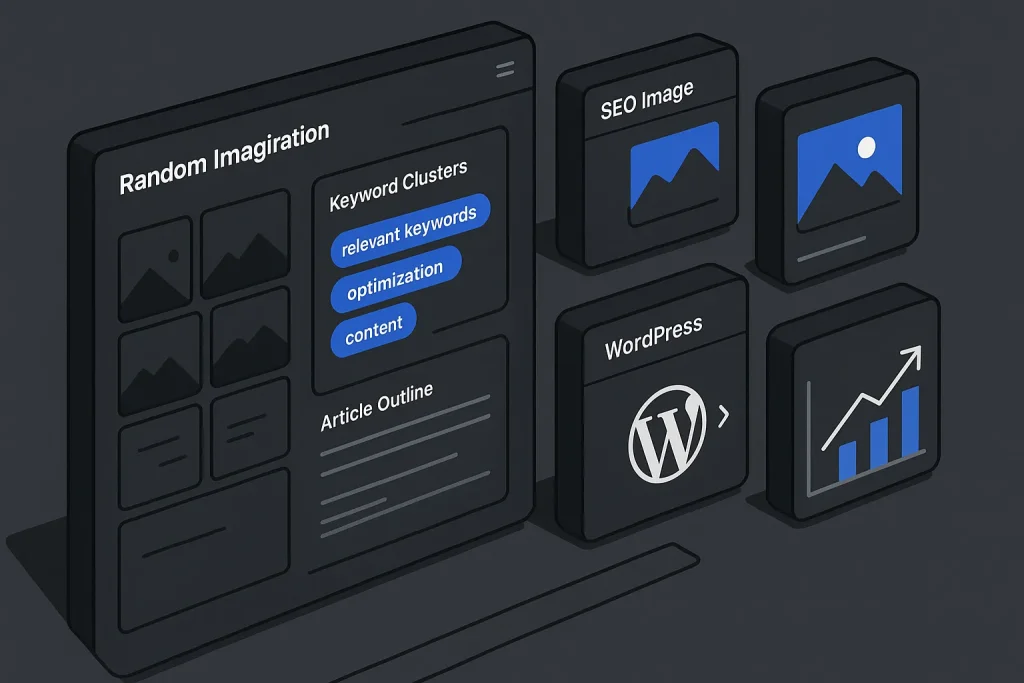
Creative teams rarely suffer from a total lack of ideas. The real bottleneck is speed: getting to useful ideas fast enough to keep up with publishing cadence, campaign planning, and search-led content production. A random image generator helps with that part surprisingly well. It injects visual surprise, breaks predictable thinking, and gets a team from a blank brief to a workable direction in minutes, not hours.
But we should be clear about the limit. Randomness is strong at the start and weak at the finish. A random picture generator can spark themes, layouts, moodboards, and hooks, yet published visuals still need brand fit, topical relevance, search alignment, licensing clarity, and performance optimization. Inspiration and implementation are not the same job. On our side, that distinction is where many content workflows either become efficient or quietly fall apart.
For SEO teams, the gap matters even more. Random visuals may speed up ideation, but search performance depends on whether the final image supports the page topic, appears in crawlable HTML, loads efficiently, and reinforces intent. In practice, the best workflow pairs exploratory randomness up front with context-aware generation and structured publishing later.
What is a random image generator?
A random image generator is any tool, API, or interface that returns an unpredictable image selection instead of a tightly controlled visual result. In practice, that might be a random stock image generator, a simple URL-based placeholder service, a gallery shuffler, a random portrait generator, a random object image generator, or even a random image generator ai interface that varies outputs with minimal user control.
The core value is not precision. It is variation. When a content marketer, designer, or SEO manager sees unexpected visual material, new conceptual paths tend to open faster. A headline angle can come from a texture. A campaign motif can come from a color palette. A blog series can emerge from repeated object patterns across random generated pictures.
Several common variants exist:
- Photo-based randomizers: tools that serve unpredictable photography results from libraries or APIs.
- Placeholder image services: utilities that return a random image by URL and size, useful for wireframes and mockups.
- Category-driven randomizers: systems that narrow randomness by search term, author, collection, orientation, or subject.
- Creative prompt tools: interfaces designed for artists, writers, or marketers who need random pictures to draw or interpret.
- Hybrid generators: tools that blend random retrieval with AI variation, often marketed as a random image generator online.
For example, the Unsplash API documentation confirms a dedicated random photo endpoint with filters such as search query, orientation, collection, and author. So “random” does not have to mean chaotic. Teams can create a bounded discovery process where the randomness stays inside a relevant thematic frame.
At the other end of the spectrum, Lorem Picsum works as a simple random image generator url model: define width and height in the URL, and get a random image for mockups or fast visual exercises. That is useful when the goal is speed, not semantic precision.

The difference between these tools is operational. A random pic generator can unlock thinking, but a production workflow needs consistency, metadata, and a clear fit with the article topic. We have seen teams blur those phases, and the result is almost always the same: visuals that look decent in isolation but feel disconnected on the page.
When to use random images for creative brainstorming
Random image workflows work best when the brief is open enough to benefit from divergence. They are especially useful when a team knows the topic area but has not yet chosen the angle, visual metaphor, or content format. That applies to blog campaigns, social support assets, YouTube thumbnail ideation, lead magnet design, landing page wireframes, and editorial planning for SEO content.
Typical high-value use cases include:
Early-stage campaign ideation. A team planning a quarter of content around automation, analytics, or content operations can use a random photos generator to spot repeating motifs: dashboards, grids, motion, architecture, blueprints, systems, or the contrast between manual and automated work.
Creative reset during repetitive production. If a company publishes in a narrow niche, the visual language starts to repeat itself. Random inputs force variation and reduce sameness across article headers, social tiles, and blog illustrations. On our experience, this is one of the most practical uses of randomizer images.
Prompt development. Writers and designers can use a random picture generator to draw or interpret, then turn those observations into prompts for AI image systems, illustration briefs, or thumbnail directions.
Prototype filling. When a Figma wireframe, slide deck, or page mockup needs immediate visual placeholders, a random stock photo generator or URL-based image service can speed up layout testing.
Cross-functional alignment. Random images can act as neutral stimulus material during workshops. SEO, content, design, and product stakeholders can react to the same visual set and converge on a direction much faster.
Where random inputs perform poorly is final SEO production. According to Google’s guidance on image SEO, images should be relevant to the page, embedded in standard HTML image elements for discovery, and supported by clear context such as filenames and alt text. The takeaway is blunt: discovery-stage randomness is fine, publication-stage randomness is not.
There is also a performance angle. The Web Almanac 2025 performance chapter reports that images are the Largest Contentful Paint element on 85.3% of desktop pages and 76% of mobile pages. In plain terms, visuals often shape the user’s first speed impression. A random stock asset that is too large, badly cropped, or poorly handled can hurt both UX and technical performance.
These numbers are not an argument against experimentation. They are an argument for separating inspiration tools from publishable assets. We consider that a healthy rule, not a creative limitation.
A step-by-step workflow to ideate with random pictures
The most reliable way to use a random image generator is to formalize the process. Random input becomes productive when it is captured, filtered, named, and translated into content decisions. Without structure, teams browse longer and decide slower. That sounds obvious, but on busy content teams it is a common failure point.
The workflow below works well for SEO teams, content marketers, and designers running editorial campaigns:
- Define the topic container. Start with one subject, one audience, and one outcome. Example: “AI SEO workflows for marketing teams” is a usable container. “Growth” is not.
- Choose the randomness level. Use broad randomness for conceptual expansion; use filtered randomness for topic-adjacent exploration. A random google image generator style workflow may produce wide variety, while a filtered API call keeps the set more actionable.
- Collect 20 to 40 images fast. The goal is volume with time limits. Spend 10 to 15 minutes only. Do not judge quality yet.
- Cluster by visual signal. Group the results into categories such as systems, people, geometry, contrast, motion, documentation, interfaces, or nature metaphors.
- Name the clusters. Convert image groups into editorial concepts. “Scattered parts” becomes “content fragmentation.” “Maps and nodes” becomes “semantic architecture.”
- Map clusters to campaign assets. Decide where each concept could live: blog cover, explainer graphic, social tile, lead magnet section, sales deck slide, or thumbnail.
- Translate into production rules. Define palette, aspect ratio, content relevance, licensing requirements, and metadata needs.
- Replace randomness with precision. Once the concept is clear, stop using random outputs for final delivery and move into a context-aware asset generation process.
This is where teams often gain immediate efficiency. The random tool is not the output. It is the forcing function that shortens the path to a better brief.

To make this concrete, imagine a content team planning a series on internal linking. A random object image generator may surface bridges, ropes, subway maps, switchboards, or network diagrams. None of those visuals should necessarily be published as-is. But each can suggest a concept: connectivity, routing, flow, architecture, or hidden structure. That concept then informs a custom header illustration or AI-generated visual aligned to the actual article.
Turning randomness into campaign concepts (boards, themes, hooks)
Random images become strategically useful only when they are turned into reusable systems. The strongest output is not one lucky image. It is a repeatable visual direction that can support multiple assets across a campaign.
There are three transformation layers here: board, theme, and hook.
Board. A board is the collection layer. It gathers diverse random references around one topic area. A board can include a random portrait generator result, a mechanical object, a city grid, a dramatic shadow pattern, and a software interface screenshot. On their own, these are disconnected. Together, they reveal texture.
Theme. A theme is the interpretation layer. From the board, a team decides which visual logic supports the message best. A campaign about automation may choose “precision systems” instead of “human hustle.” A series about content scaling may choose “editorial infrastructure” instead of generic creativity. On our view, this is the moment where strategy starts to matter more than taste.
Hook. A hook is the activation layer. It translates the theme into a concrete asset idea: “before/after content workflow,” “semantic map overlay,” “AI pipeline dashboard,” or “structured growth chart.”
One way to evaluate concepts is with a simple editorial matrix:
| Input type | What it reveals | How to use it | Risk if published directly |
|---|---|---|---|
| Random stock photo | Mood, framing, palette | Moodboard or visual brief | Low topical relevance |
| Random portrait generator | Persona energy, composition | Audience or ad concept exploration | Brand mismatch or unclear rights |
| Random object image generator | Metaphors and symbolic anchors | Article header concepting | Visual cliché if not refined |
| Random image generator URL | Layout behavior and spacing | Wireframes, prototypes, drafts | Poor production suitability |
The practical takeaway is simple: randomizer images are excellent at exposing patterns you would not think to request directly.
Once a theme emerges, the team should document it as a short creative brief. That brief can include the content goal, visual metaphor, image style, color guidance, acceptable formats, and SEO constraints. At that point, continuing to scroll random outputs usually adds less value than refining the brief. We think this is where disciplined teams pull ahead.
From inspiration to publishable visuals: brand, SEO, and legal checks
Moving from idea to publication requires a strict quality gate. The visual that inspired the concept and the visual that gets published are often different files. This is where content operations stop being improvised and start becoming scalable.
There are four checks that matter most.
Brand check. The visual must match the site’s tone, market position, and audience expectations. A B2B SaaS blog should not publish an image that feels like a generic lifestyle ad unless the content context justifies it. Consistency across article covers improves recognition and makes the site feel editorial rather than patched together.
SEO check. Published visuals need to support page meaning. Google’s image documentation emphasizes discoverability through standard img usage, descriptive text, and clear context. It also notes that image properties are required in supported structured data experiences. Random generated pictures that are only loosely related to the page usually fail this test because they add noise instead of semantic reinforcement.
Performance check. Image weight, format, dimension, and loading behavior directly affect page experience. The HTTP Archive page weight data reports median image bytes of 1,059 KB on desktop and 911 KB on mobile. The State of Images report further shows a median of 62.1 images and 914.3 KB of image bytes on mobile pages. The problem is rarely one file alone. It is the accumulated visual weight across the page. On our practice, this is one of the easiest technical debts to underestimate.
The chart shows why undisciplined image use becomes a technical problem quickly, even before design quality enters the conversation.
Legal check. Not every random source is safe for commercial use. Openly shared content may still carry licensing terms, and photographs remain protected works. The U.S. Copyright Office guidance on photographs is enough to remind teams that “found online” is not a usage policy. Random stock image generator outputs are convenient for brainstorming, but final assets require clear rights or in-house generation with defined usage terms.

Accessibility also deserves attention. Web Almanac 2025 notes that around 8.5% of alt texts end with file extensions such as .jpg or .png, a sign that many sites still use unhelpful image descriptions. That matters because alt text is one of the simplest places where teams can add clarity instead of placeholder noise.
Random tools vs Autopilot SEO’s context-aware image generation
The contrast between a random image generator and a context-aware system is not about one being universally better. It is about fit for stage. Randomness is excellent for divergence. Context-awareness is essential for convergence.
A random tool can surface unexpected references. What it cannot do reliably is understand your topic title, target keyword set, article structure, internal linking logic, or the difference between a visual meant for ideation and one meant for search-aligned publication. That is where systems built around content workflows outperform generic randomness.
Autopilot SEO fits the latter category. Instead of throwing out random pictures of random things, it is designed to align visual production with the article topic, semantic direction, and publishing workflow. In practice, that means the image logic stays connected to the content logic rather than drifting into decorative irrelevance. We consider that a major operational advantage, especially for teams publishing at scale.
For teams already working with AI-assisted assets, the difference becomes especially visible when moving from rough idea to usable creative brief. If you are refining prompts, the guidance in AI image generator from text tips is useful because prompt quality directly affects whether an image looks generic or editorially intentional.
The comparison below clarifies where each approach fits:
| Criterion | Random tools | Context-aware generation |
|---|---|---|
| Best stage | Brainstorming and divergence | Production and publishing |
| Topical relevance | Variable, often loose | Aligned to article topic and intent |
| SEO suitability | Needs heavy manual validation | Designed for content relevance and publication workflow |
| Brand consistency | Inconsistent by default | Easier to standardize across assets |
| Workflow efficiency | Fast for idea discovery | Fast for consistent output at scale |
The practical conclusion is not to remove random exploration. It is to stop expecting random exploration to do the work of a structured content production system.
Prompts and exercises: drawing, writing, and thumbnail ideas
A random image generator for drawing or writing exercises becomes much more effective when the team uses prompts that force interpretation rather than passive browsing. In our view, this is one of the best ways to extract value from otherwise chaotic results.
Here are several practical exercises that work well for marketing teams and solo creators:
Metaphor extraction. Pull five random images. For each one, write a single sentence that connects it to your article topic. If the topic is “technical SEO,” a bridge image can become “crawl pathways,” while a filing cabinet can become “index organization.”
Thumbnail reduction. Use one random photo and reduce it to three shapes, one accent color, and a six-word message. This trains teams to think like thumbnail designers instead of stock image collectors.
Hook headline pairing. Open a random picture generator and pair each image with a blog or ad headline. Eliminate combinations that feel generic. Keep the ones that create tension or clarity.
Prompt reverse-engineering. Take a useful random image and describe it as if briefing an AI image tool. This is a practical bridge between random discovery and controlled generation. If your team is comparing platforms, the article on Google image generator for blog graphics is relevant because it helps frame how tool capabilities affect visual outputs.
Category forcing. Use a random person image generator, random clipart generator, and random object image generator in parallel. Force all three result types into one campaign concept. The exercise pushes teams beyond literal visuals.
You can also use a random image generator for drawing when the goal is not publishing a photo but developing a visual metaphor quickly. That is especially useful for creators who need random pictures to draw before turning rough sketches into thumbnail or header directions.

These exercises work because they create a disciplined transition from visual input to editorial output. The team is no longer just consuming images. It is extracting ideas from them.
Example workflow: from topic to images with Autopilot SEO
Consider a practical scenario. A SaaS company wants to publish a search-focused article on “content workflow automation for agencies.” The team needs a cover image, two in-article visuals, and social support graphics. If they start with a random image generator online, they may find useful references: production lines, modular grids, command centers, whiteboards, or stacked documents. That is a good start, not a deliverable.
The efficient workflow looks like this:
Step 1: Brainstorm with random references. Collect 15 to 25 visuals around systems, motion, publishing, and editorial structure.
Step 2: Identify the dominant concept. The team chooses “editorial pipeline dashboard” over generic office imagery because it is more relevant to the article intent.
Step 3: Convert the concept into structured production. Use the article title, semantic focus, and section structure to define what the final image should communicate.
Step 4: Generate aligned visuals. Instead of relying on a random stock photo generator, move to a system that can produce visuals tailored to the topic and content framework.
Step 5: Publish with metadata and placement logic. Ensure alt text, filenames, dimensions, and context align with the article and page structure.
This is the operational gap that SEO Autopilot closes. Teams can brainstorm broadly, but final assets do not need to stay generic. Near the end of the workflow, a more business-ready approach is to generate topic-aware visuals directly inside the content production process. That is where SEO Autopilot becomes useful: it connects article topics, semantic intent, image generation, and WordPress publishing into one system instead of leaving teams to stitch together disconnected tools.
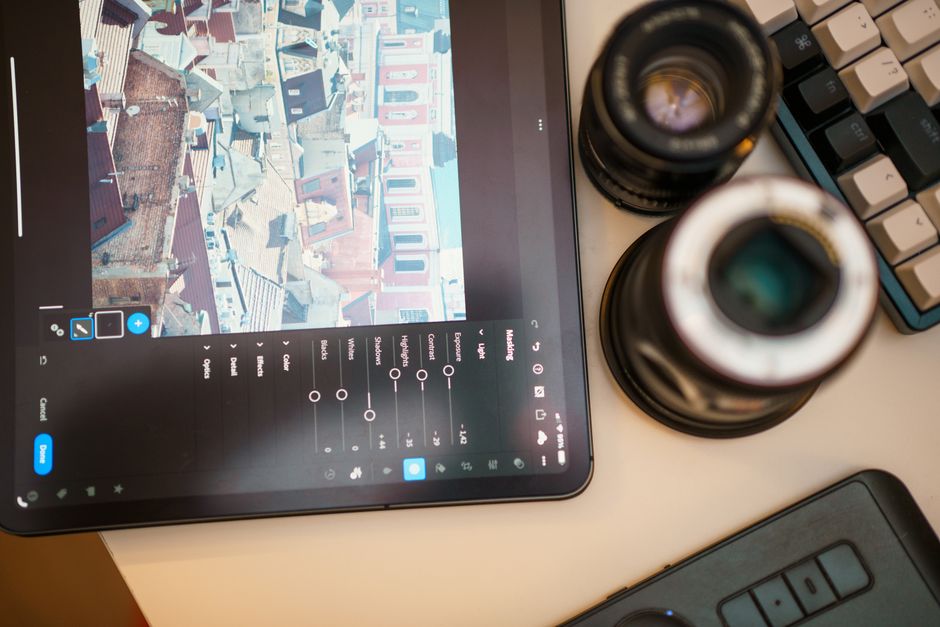
For teams creating blog covers specifically, the piece on Bing Image Creator for blog covers helps clarify how prompt intent and composition affect cover usefulness. The broader point stays the same: once the target asset is known, prompt-based control beats randomness.
How to measure impact on engagement and SEO
Visual ideation matters only if it improves output quality, production speed, or business results. The strongest teams measure image workflows with the same discipline they apply to keyword clusters or publishing velocity.
Measure at three levels.
Process metrics. Track time from topic approval to approved visual concept, number of concept iterations, and dependency on manual design revisions. If randomizer images reduce concepting time without increasing revision count, they are doing useful work.
Content metrics. Track scroll depth to the first visual, click-through behavior from social previews, hero section engagement, and qualitative editor feedback on relevance. A visually stronger article is often easier to read and easier to share.
SEO and technical metrics. Track image search visibility where relevant, LCP performance, page weight contribution, and whether key images are rendered in standard HTML rather than hidden in CSS-only backgrounds. Use this layer to verify that creativity is not quietly undermining performance.
This format distribution from Web Almanac 2025 is useful because it shows that image format decisions are still operational, not cosmetic.
Another angle is quality consistency. Compare pages that use purely random visuals against pages with topic-aware imagery. Evaluate bounce behavior, visual-brand consistency, and editorial revision load. Even without claiming a universal uplift, teams can usually see which method is easier to scale responsibly. We have noticed that consistency tends to win over novelty once publishing volume increases.
The point is not to compare different units directly. It is to show how dense image usage has become on modern mobile pages, which raises the cost of careless asset selection.
Common pitfalls and how to avoid them
The most common failure with a random image generator is not low quality. It is category confusion. Teams use a brainstorming tool as if it were a publishing system, then wonder why the final page feels generic.
These are the pitfalls that show up most often:
Publishing the first interesting image. A surprising result can be conceptually strong and operationally weak. Always separate inspiration from final asset approval.
Using images with no search intent alignment. If the article is about semantic clustering and the hero image shows an unrelated office scene, the page loses semantic coherence.
Ignoring file weight and loading behavior. Large stock images, poor compression, and misplaced lazy-loading can damage perceived speed.
Using background images where content images should be indexed. For discoverability, standard HTML image elements remain the safer path.
Leaving metadata generic. File names like image123.jpg and alt text that repeats the file extension add no value.
Assuming random source equals safe license. Convenience does not replace rights review.
Overusing novelty. Not every page needs maximal surprise. Editorial consistency is usually more valuable than creative randomness at scale. On our side, this is one of the clearest patterns in mature content operations.
Teams designing strong top-of-article treatments often benefit from more explicit composition planning. The guidance on 3D text generator for header graphics is relevant here because it shows how a visual can be built around a clear communication objective rather than a lucky discovery.
Quick tool options and APIs to try
Not every team needs the same type of random image input. The best option depends on whether the goal is sketching, prototyping, ideation, or prompt development.
A simple decision framework helps:
| Tool type | Best for | Operational note |
|---|---|---|
| Unsplash random photo endpoint | Filtered inspiration with photography | Useful when you want bounded randomness by subject or orientation |
| Lorem Picsum | Wireframes, prototypes, placeholder layouts | Fast and simple, especially for random image generator URL use cases |
| AI image tools with prompt control | Controlled concept development | Best after the random ideation phase has identified a direction |
| Context-aware content platforms | Scalable editorial production | Strong fit when visuals must align with article structure and publishing workflow |
For most content teams, the winning stack is mixed: one lightweight random input source for ideation and one structured system for production. If you need a random google image generator style discovery pass, use it early. If you need a random picture generator or even a random person image generator to unlock concepts, keep it inside the brainstorming phase.
Some creators also prefer a random stock image generator for moodboards, while others use a random clipart generator or a random object image generator for more abstract concept work. The tool matters less than the discipline around when to stop using it.

Summary and next steps
A random image generator is most useful when the job is conceptual expansion. It helps teams discover metaphors, compositions, and themes faster than manual browsing alone. That makes it valuable for campaign ideation, thumbnail planning, drawing prompts, and early-stage visual brainstorming.
Its weakness is also its strength: randomness does not understand publication context. Final visuals need relevance, consistency, legal clarity, accessible metadata, and technical discipline. Search visibility and page performance depend on those details far more than on novelty alone.
For editorial teams and SEO-driven publishers, the practical model is straightforward. Use random tools to generate variation, then switch to a context-aware workflow for production. That gives you the speed of exploration without sacrificing topical fit, image SEO, or publishing efficiency.
If your workflow currently depends on disconnected tools for ideation, writing, image creation, and WordPress posting, consolidating those steps can remove substantial operational friction. A business-ready option is to review the official SEO Autopilot workflow on the client’s official site, where article generation, visual alignment, semantic structuring, and publishing are handled as one connected content system.
We believe the real takeaway is simple: a random image generator should be treated as a creative trigger, not a publishing strategy. The teams that get the most value from it are not the ones chasing novelty, but the ones turning randomness into a repeatable editorial process. That is what actually scales.
Our прогноз is fairly conservative. Random exploration will remain useful, especially as more creators look for faster ways to break out of repetitive visual patterns. But over the next cycle, we expect context-aware systems to matter more because businesses need assets that are not just interesting, but searchable, brand-safe, and operationally efficient.
FAQ
How do I use a random image generator for drawing prompts?
Use the image as a constraint, not as a final reference. A random image generator for drawing works best when you extract shapes, mood, perspective, or metaphor from the result and then reinterpret it in your own style. For content teams, the same approach can produce thumbnail sketches, concept roughs, or even a better random picture generator to draw workflow.
What is the best free random picture generator for brainstorming?
The best option depends on the task. For filtered photography inspiration, API-based random photo services are useful. For mockups and quick layout tests, a simple random image generator URL service is often enough. For production-quality visuals, free random tools are rarely sufficient on their own because they do not guarantee topical relevance or brand consistency.
Are images from random image generators safe for commercial use?
Not automatically. A random stock image generator may surface content with specific license conditions, and original photographs are protected by copyright. Always verify the usage terms before publishing commercial assets, especially on landing pages, blog posts, and campaign materials.
How is a random image generator different from AI text-to-image tools?
A random image generator usually retrieves or varies images unpredictably, while AI text-to-image tools generate outputs from prompts. The first is stronger for surprise and brainstorming, and the second is stronger for controlled concept execution. In SEO workflows, prompt-based or context-aware generation is typically better for final page visuals than a pure random image generator ai setup.
Can a random image generator help with content campaign ideation?
Yes, especially in the early concept phase. It can reveal themes, metaphors, and visual hooks faster than manual search, which helps teams shape boards and creative directions. The best results come when those random references are later translated into SEO-aligned, topic-specific assets rather than published unchanged.